
I recently took a class at our local Paper Source here in Georgetown.  It was a Creative Hand Lettering class.  We worked on our handwriting and adding finishing touches to our letters to make them look pretty and more creative.  I really enjoyed the class and I decided I wanted to play more in my free time.  I bought a primary ruled notebook for practicing my lettering - mainly my cursive.  I tend to blend cursive with non-cursive so I wanted to work on doing all cursive.  It feels so funny to write so much cursive - especially now when all I use is my computer keyboard, iPhone keypad and iPad keypad.  I used to journal with books but I haven't done that in years. And even then, my handwriting wasn't all that great.
While practicing my cursive, I came across the book Art Before Breakfast by Danny Gregory. I was even more inspired to do more - not just practicing cursive. Danny talks about using a sketch book but I really wanted something on the iPad with an erase option. That way I wasn't using tons of paper - I could erase and start over if needed and not get frustrated. Once my sketches get better, I might buy a sketch book. But for now, an iPad really is my best option. I am a perfectionist and perfectionists don't do so well with sketch pads!! So I started to look into iPad apps.
I have a basic stylus I could use but it was one I bought years ago for my photography business so clients could sign with something that felt like an actual pen - not just their finger. I found the Pencil by Fifty Three stylus. It was exactly what I was looking for! So I ordered one. It has pressure options and it has an eraser end. I know at some point I will end up going with the iPad Pro and the Apple pencil. But in the meantime, the Pencil by 53 will be perfect.
Once I found the Pencil by Fifty Three, I then found the app Paper by 53. I had seen the Paper by 53 app at the Apple store when I was playing with the iPad Pro and the Apple pencil. I downloaded that app and I really like it. But I still wanted “more†even though I wasn't sure what that more was.
And then I found the Tayasui Sketches app. Perfect!!! I have been using it for a week now and I love it!
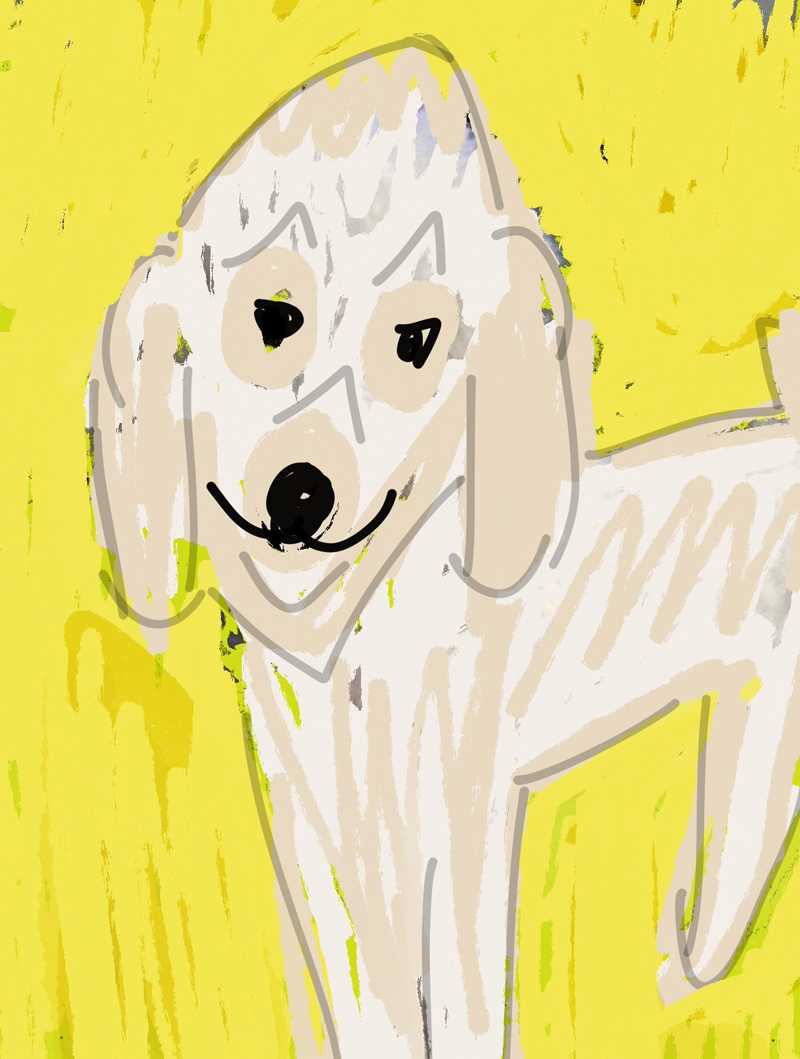
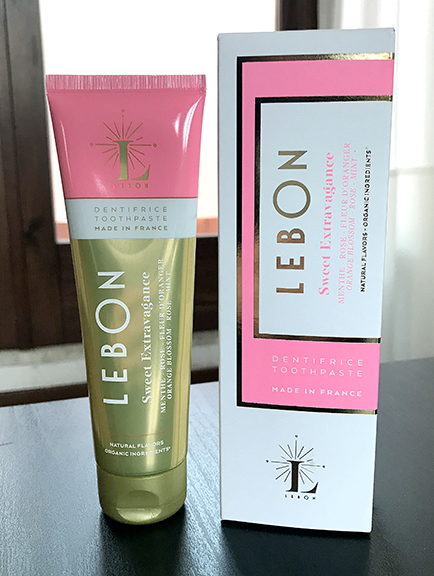
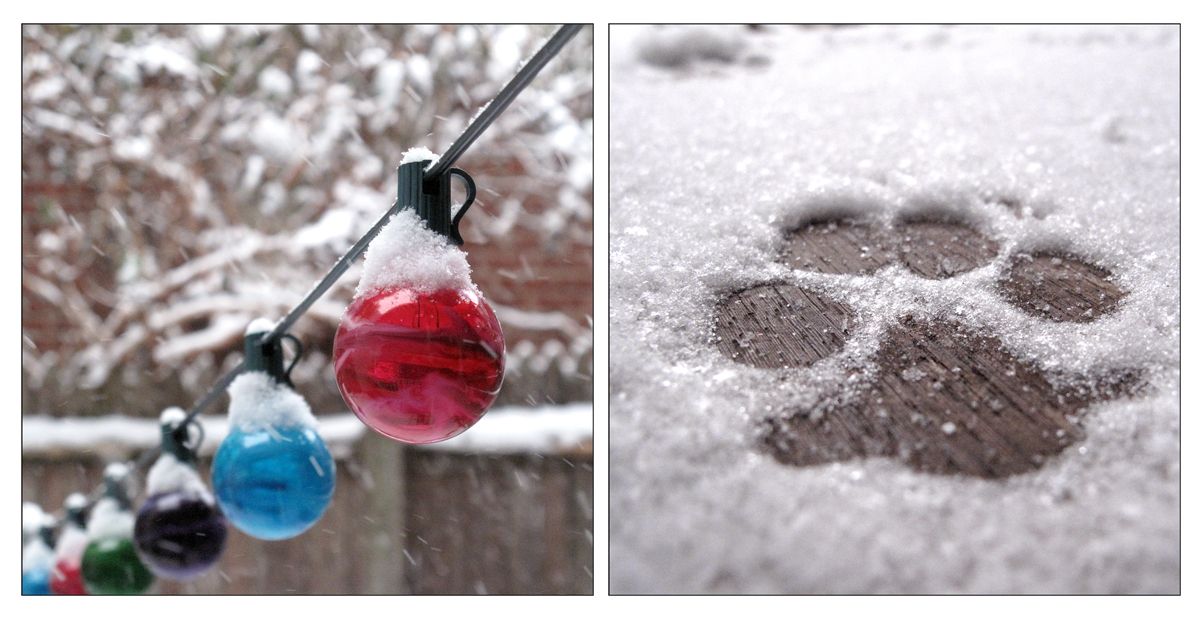
I am NOT an artist so this is a bit embarrassing showcasing my art work that looks like a 3 year old did it. But here are my first four sketches using the Tayasui Sketches app on my iPad Mini 3.
Comments